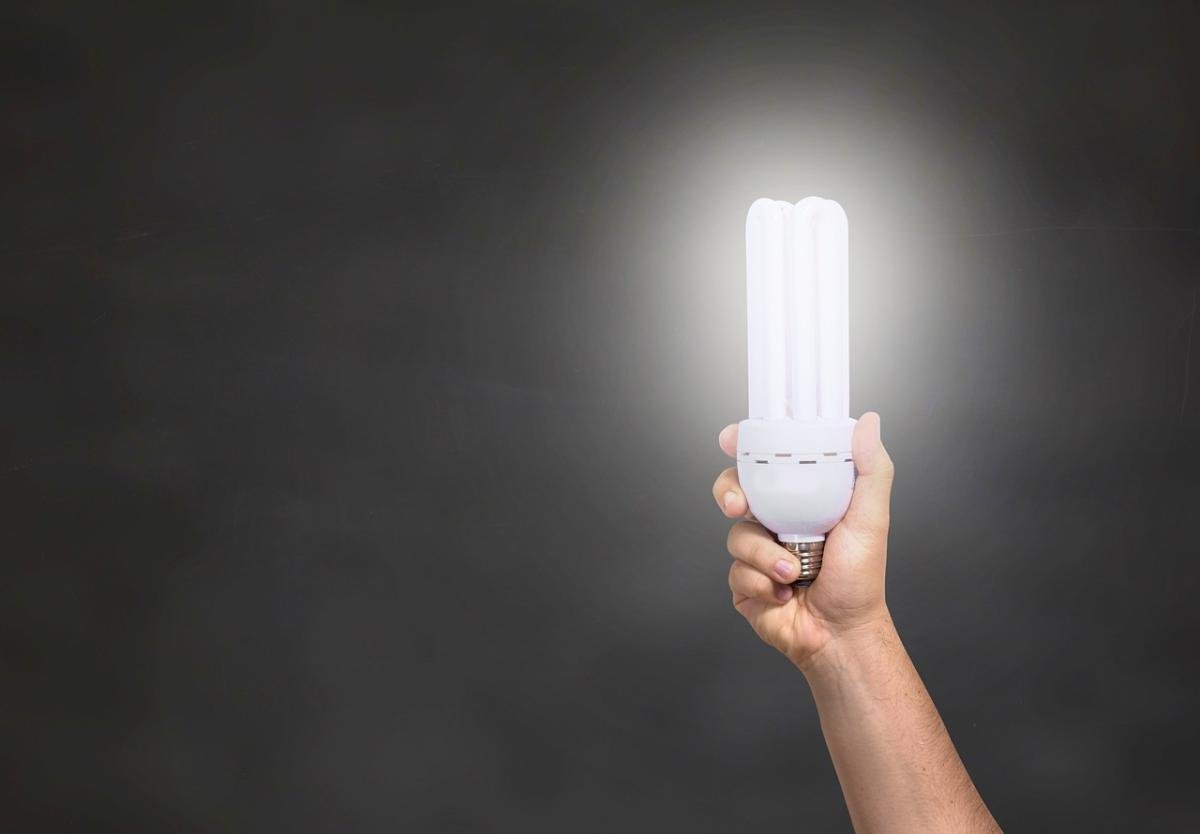
Wifi smart bulbs are super cool because they let you control your lighting right from your phone or tablet. Instead of using a traditional switch, these bulbs connect to your home wifi network. This connection allows you to change colors, adjust brightness, and even set schedules without getting up from your comfy spot on the couch.
When you install a smart bulb, you typically download an app that works with it. Once you set it up, you can hook up the bulb to your wifi. The app is your command center. You can turn the lights on or off, dim them, or change their color with just a few taps. The best part? You can do this from anywhere in your house. With some bulbs, you can even control them when you’re outside, as long as you have internet access.
Most smart bulbs work through a simple process. They use wireless signals to communicate with your phone or any smart home hub you might have. Some bulbs use Zigbee or Z-Wave technology to connect, while others rely solely on wifi. This means you can mix and match different brands and types to find what works best for your home.
Another fun feature is the ability to create routines. You can set your bulbs to come on at sunset, adjust their brightness based on the time of day, or even sync them up with your favorite music for a party vibe. They add convenience to your life, making it easy to set the mood for any occasion, all at the touch of a button.
Benefits of Smart Bulbs
Smart bulbs bring a bunch of great benefits to your home. First off, they offer convenience. You can control them from your phone or even with your voice if you have a smart assistant. Imagine kicking back on the couch and just telling your Alexa to dim the lights or change their color without moving a muscle!
Another amazing feature is energy savings. Smart bulbs are generally LED, which means they use less power compared to traditional bulbs. You can schedule them to turn off when you leave the house or even set a timer to have them turn on right before you get home. That way, you’re not just saving on your electric bill but also being environmentally friendly.
Customization is where smart bulbs really shine. Many of them let you choose from millions of colors and adjust brightness levels to set the perfect mood for any occasion. Whether it's a cozy night in with a warm, soft glow or a lively gathering with vibrant colors, smart bulbs have got you covered. And some even sync with your music for an incredible light show!
Lastly, security is a huge advantage of using smart bulbs. You can give the impression that someone is home even when you’re away by scheduling the lights to turn on and off at specific times. This little trick can deter potential intruders and keep your home feeling safe and welcoming.
Setting Up Your Smart Bulbs
Next, grab your smartphone and download the app that matches your smart bulb brand. Most apps walk you through the setup, making it easy. After that, connect the bulb to your Wi-Fi network. Make sure you’re connected to the right network, as your bulbs need that connection to let you control them from anywhere. Your app will usually prompt you with a few steps to follow.
Once your bulbs are set up and connected, you can start having fun with different settings. Play around with brightness and colors right from your phone! Want to set the mood for a movie night? Just tap a few buttons. You can also schedule when you want the lights to turn on or off, so they can greet you when you get home or help save energy when you’re out.
If you run into issues during setup, don’t stress. A quick reset on the bulb or checking your Wi-Fi connection can usually do the trick. And hey, if you ever feel overwhelmed, the app typically has a support section that can help guide you. Enjoy your smart living!
Troubleshooting Common Issues
Having a little trouble with your WiFi smart bulbs? Don't worry, it happens to the best of us! Here are some common issues and simple fixes to help you get back on track.
1. Bulb Not Connecting: If your smart bulb won’t connect to your WiFi, first check if it’s compatible with your network. Most bulbs only work with 2.4GHz networks, so make sure you’re not trying to connect to 5GHz. Reset the bulb by turning it off and on a few times until it starts blinking. This will put it in pairing mode.
2. Flickering Issues: If your bulb flickers unexpectedly, it might be due to a loose connection. Tighten it in the socket. If it’s still flickering, ensure you aren’t using a dimmer switch that isn’t compatible with smart bulbs. Smart bulbs prefer being hooked up to standard on/off switches.
3. App Troubles: Sometimes, the app you use to control the bulbs might be glitchy. Try closing and restarting the app. A quick update helps too. If you’re still facing issues, uninstalling and reinstalling the app can clear things up. Make sure your device's software is up to date as well!
These fixes should help you tackle most problems with your WiFi smart bulbs. If you’re still having trouble, checking the manufacturer’s website or user forums can provide additional tips. You got this!